
Main Sequence System Requirements: Can Your PC Run It?
Official Main Sequence PC requirements explained: CPU, GPU, RAM, storage, Windows version, Steam Deck status, and what to expect on older hardware.
Main Sequence lists a modest minimum specification and almost no recommended specification. That combination is common for an indie Early Access release, but it makes the buying decision harder: the minimum tells you the game will launch, not how it will feel once your station has thirty machines and a dozen drones.
This page separates what the developer actually published from what the numbers imply. The official figures come from the Steam store page on 10 November 2026. Anything beyond that is labelled as inference.
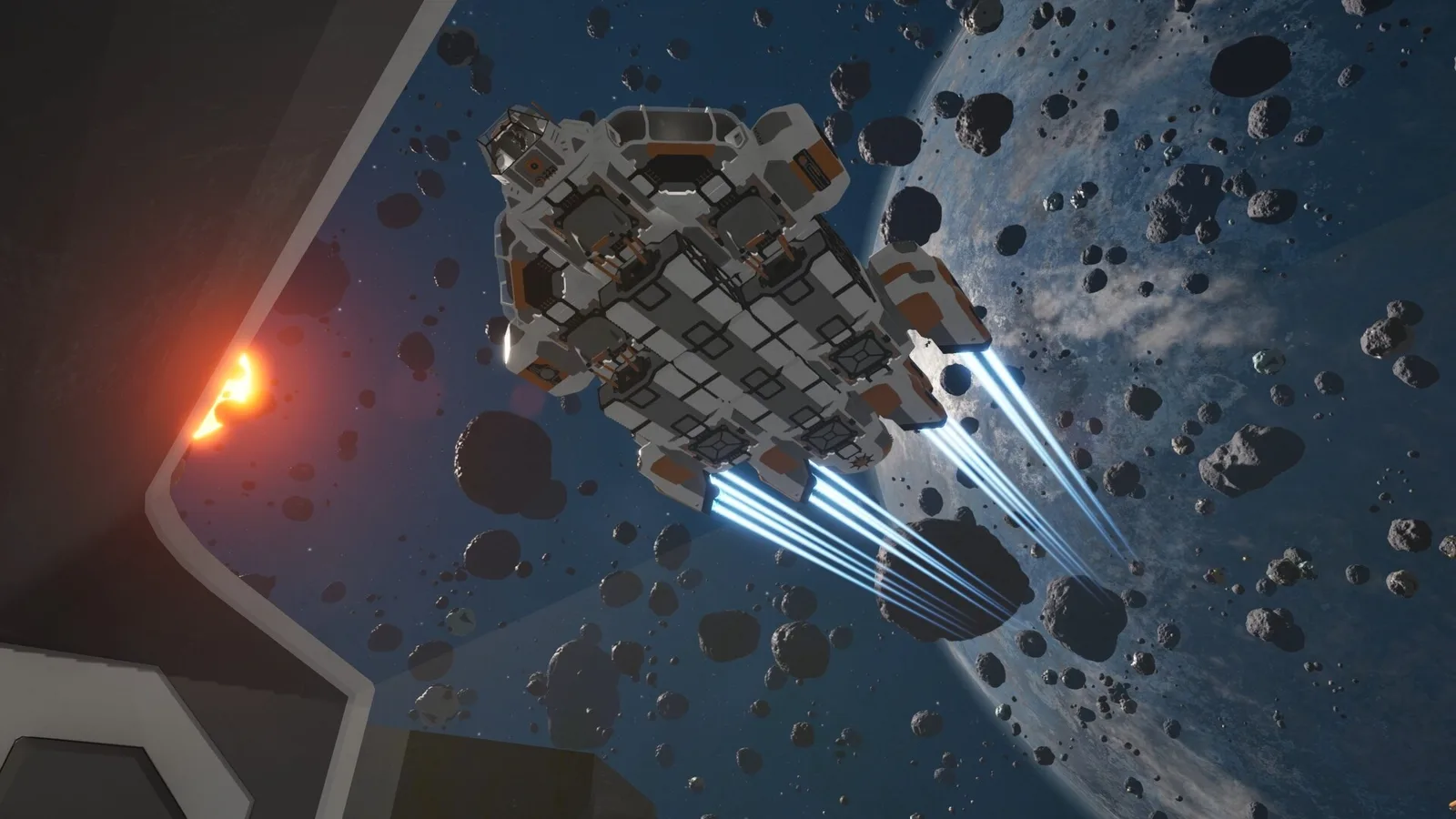
The floor is an i5-8400, 8 GB RAM, and a GTX 1050 or RX 460 on Windows 10 64-bit.
The official requirements
| Minimum | Recommended | |
|---|---|---|
| OS | Windows 10 64-bit | Windows 10 64-bit |
| CPU | Intel Core i5-8400 or equivalent | 64-bit processor (no model listed) |
| RAM | 8 GB | Not listed |
| GPU | GeForce GTX 1050 or Radeon RX 460 | Not listed |
| DirectX | Version 12 | Version 12 |
| Storage | 5 GB available space | Not listed |
| Notes | — | Requires a 64-bit processor and operating system |
That is the entire published table. There is no macOS or Linux build, no Steam Deck compatibility rating at the time of writing, and no listed VR support. The store page lists Windows 10 64-bit only.
The recommended column is not a mistake in this article; the developer genuinely lists only “64-bit processor” and “64-bit operating system.” Treat the minimum as the only tested baseline and assume the recommended experience is “the minimum plus headroom.”
What the minimum actually means
The i5-8400 is a six-core, six-thread desktop CPU from 2017. The GTX 1050 is a 2 GB entry-level card from 2016. Together they define a machine that can run the game at 1080p with reduced settings, not a machine that can run a megabase at 60 fps.
The 8 GB RAM figure is the more important constraint. Windows 10 itself consumes a meaningful share of that, and the game has to hold station geometry, ship designs, asteroid fields, and simulation state. If your machine has 8 GB and a browser open, expect swapping. 16 GB is the sane floor for a factory game you intend to play for hours.
The 5 GB storage figure is small because the game is not asset-heavy in the way a cinematic RPG is. It does not account for saves, blueprints, or future Early Access updates. Reserve 15 GB if you want room to grow.
DirectX 12 is non-negotiable. A card that supports the game's shaders but not DX12 will not run it, and a DX11-only fallback is not listed.
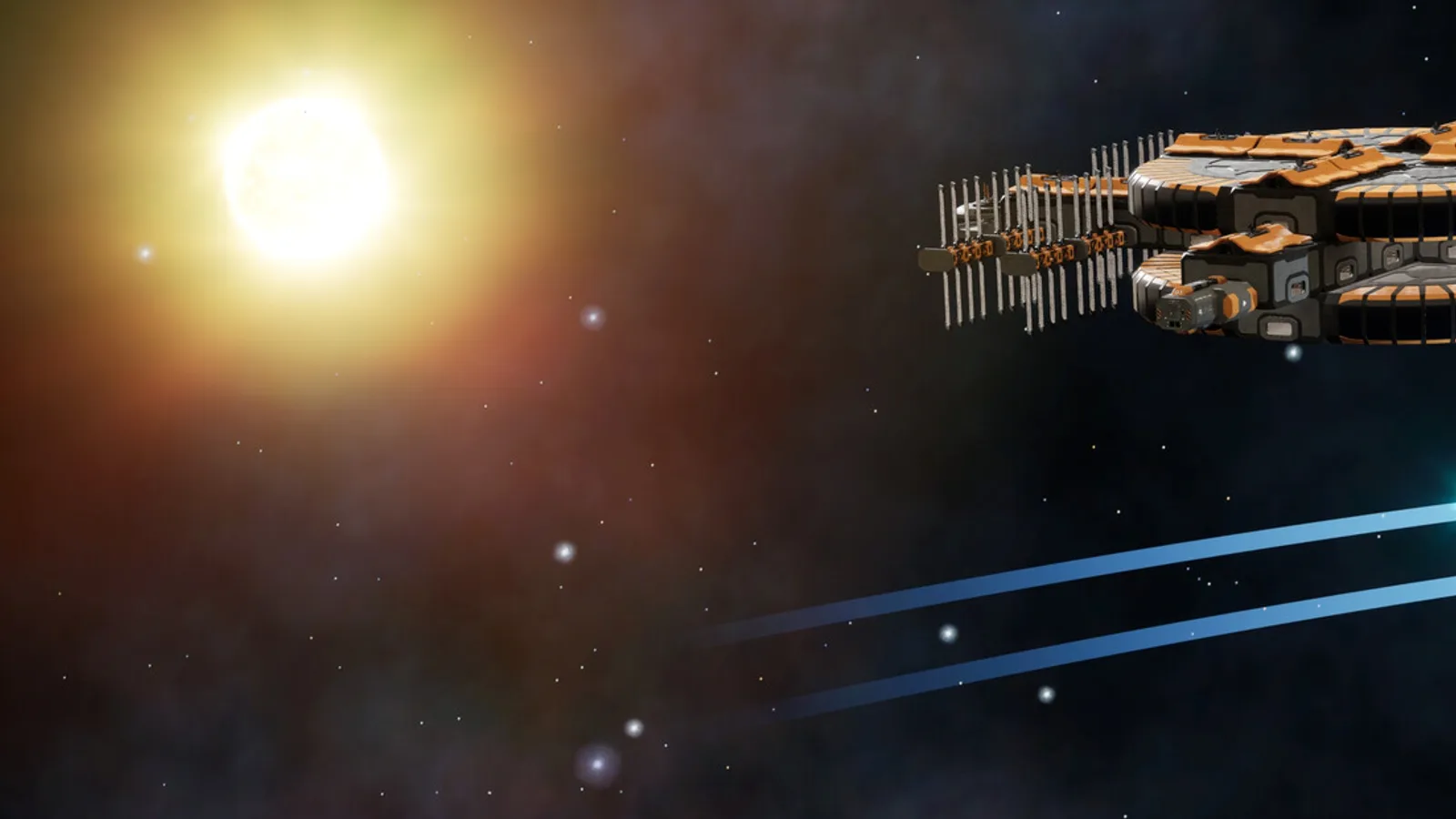
The GPU question: 2 GB is the real limit
The GTX 1050 and RX 460 both ship with 2 GB of VRAM in their common variants. That is enough for the demo's asteroid fields and a small station. It is not enough for a large base with many unique modules, or for high-resolution textures if the launch build adds them.
If you are upgrading for this game, a 6 GB card is a more sensible target than a 4 GB card. The difference is not about raw frame rate; it is about avoiding texture eviction when the camera pans across a big station.
The CPU matters more than the GPU once the factory grows. Belts, drones, and production ticks are simulation work. A faster single core helps more than extra cores in most colony/factory games, and Main Sequence is unlikely to be an exception.
Steam Deck and handhelds
Steam Deck compatibility is unrated. The game is a Windows 10 64-bit title with DirectX 12 and no official Linux build. That does not mean it cannot run under Proton, but it does mean the developer has not certified it.
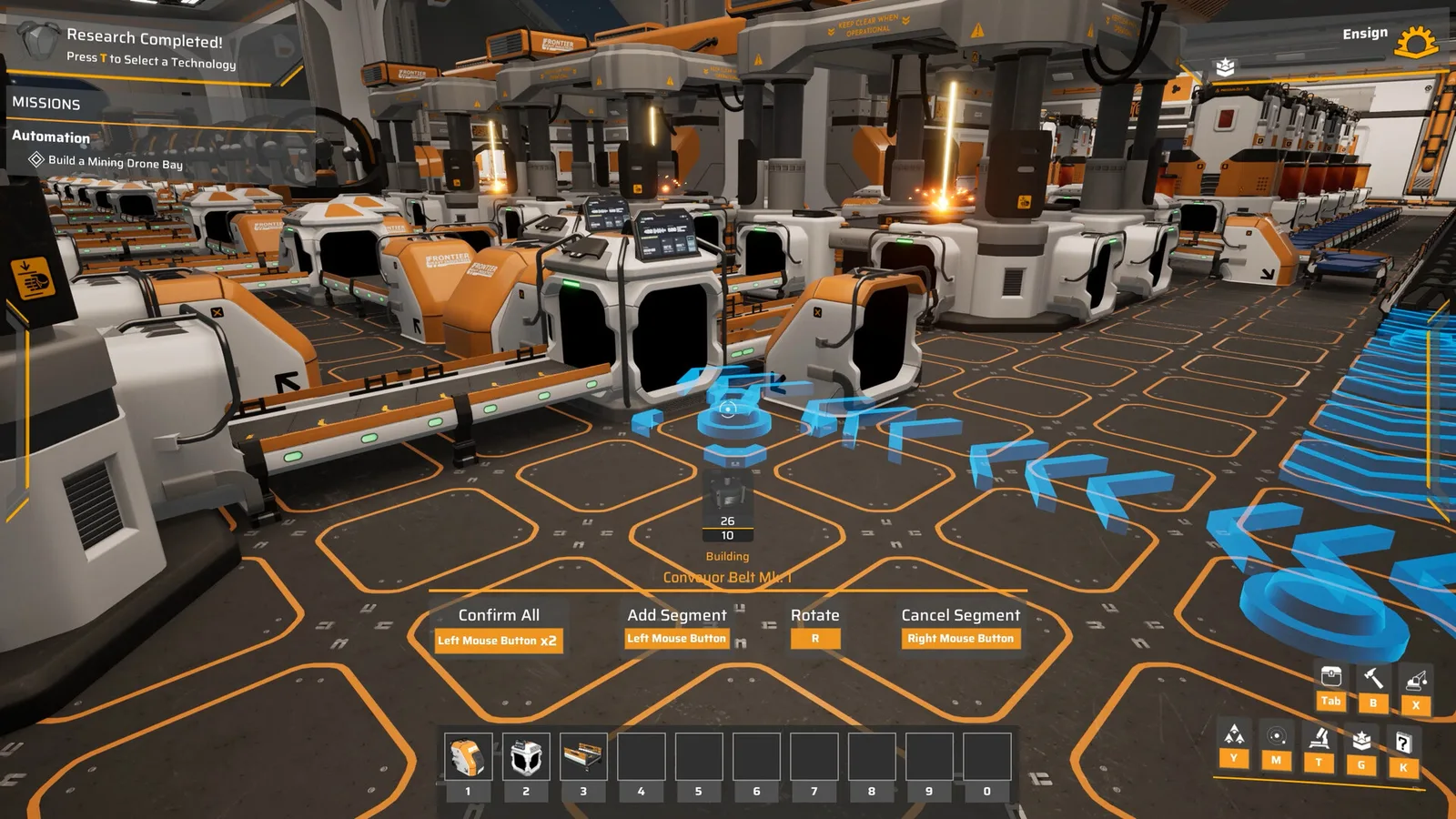
The control scheme is another issue. Station building uses mouse-style placement, rotation, and multi-segment belt dragging. A controller layout may exist, but the demo's building interface is clearly designed around a mouse and keyboard. If handheld play is your main use case, wait for a compatibility report rather than assuming.
Performance settings that actually help
The game does not publish a detailed graphics menu, but the usual factory-game levers apply:
- Lower the resolution before lowering shadows. Simulation cost does not scale with pixels, but rendering a large station does.
- Cap the frame rate. An uncapped frame rate on a small station leaves less headroom for the big one.
- Reduce station size before adding more drones. The simulation cost of a large base is not linear.
- Close the browser. The 8 GB minimum does not leave much room for a video call and a factory.
If the demo runs acceptably, the launch build will probably run acceptably. Do not expect a dramatic optimization pass between demo and Early Access; the demo is already the same engine and the same content pipeline.
Should you buy on minimum spec?
Buy if you are comfortable at 1080p, low-to-medium settings, and 30 fps, and if you plan to build small stations. Do not buy if you expect 60 fps with a megabase on a GTX 1050. The game is not a twitch shooter, so 30 fps is playable, but factory games become unpleasant when the camera stutters during construction.
A practical test: play the free demo for an hour and build a station with at least ten modules. That is a better benchmark than any spec table, and it costs nothing.
If the game runs, the next question is what to build first: see the beginner guide→.
FAQ
Is Main Sequence on Mac or Linux? No. The store lists Windows 10 64-bit only.
Does it run on Steam Deck? Not rated at the time of writing. There is no native Linux build; Proton performance is unverified.
Is 8 GB RAM enough? For the demo and a small station, yes. For a large factory with a browser open, 16 GB is the realistic minimum.
How much storage do I need? 5 GB is the published minimum. Reserve more for saves, blueprints, and updates.
Is there a recommended GPU? The developer does not list one. The minimum GPU is a GTX 1050 or RX 460.
If the game runs but stutters, the Main Sequence tips guide→ covers power headroom and factory performance.
Official source: Main Sequence on Steam ↗ and the Steam news hub ↗.
Sources
- Main Sequence on Steam ↗ — official system requirements, platform, and release information.
- Main Sequence Steam news hub ↗ — demo and Early Access updates.
- Main Sequence on SteamDB ↗ — build history and platform data.
- Mythwright ↗ — publisher.