
Main Sequence Blueprints Guide: Save, Share, Rebuild
How blueprints work in Main Sequence: save ship and station designs, version them across patches, share safely, and rebuild without wasting plates.
A Main Sequence blueprint is more than a screenshot of a nice ship. It is a design record: modules, placement, and the shape of a hull or station that you can rebuild without re-deriving every decision. Used well, blueprints are the difference between a fleet and a pile of one-off experiments.
The demo exposes save and share actions in design mode. The exact file format and sharing surface may change at launch, so this guide focuses on the workflow that survives patches rather than the current button labels.
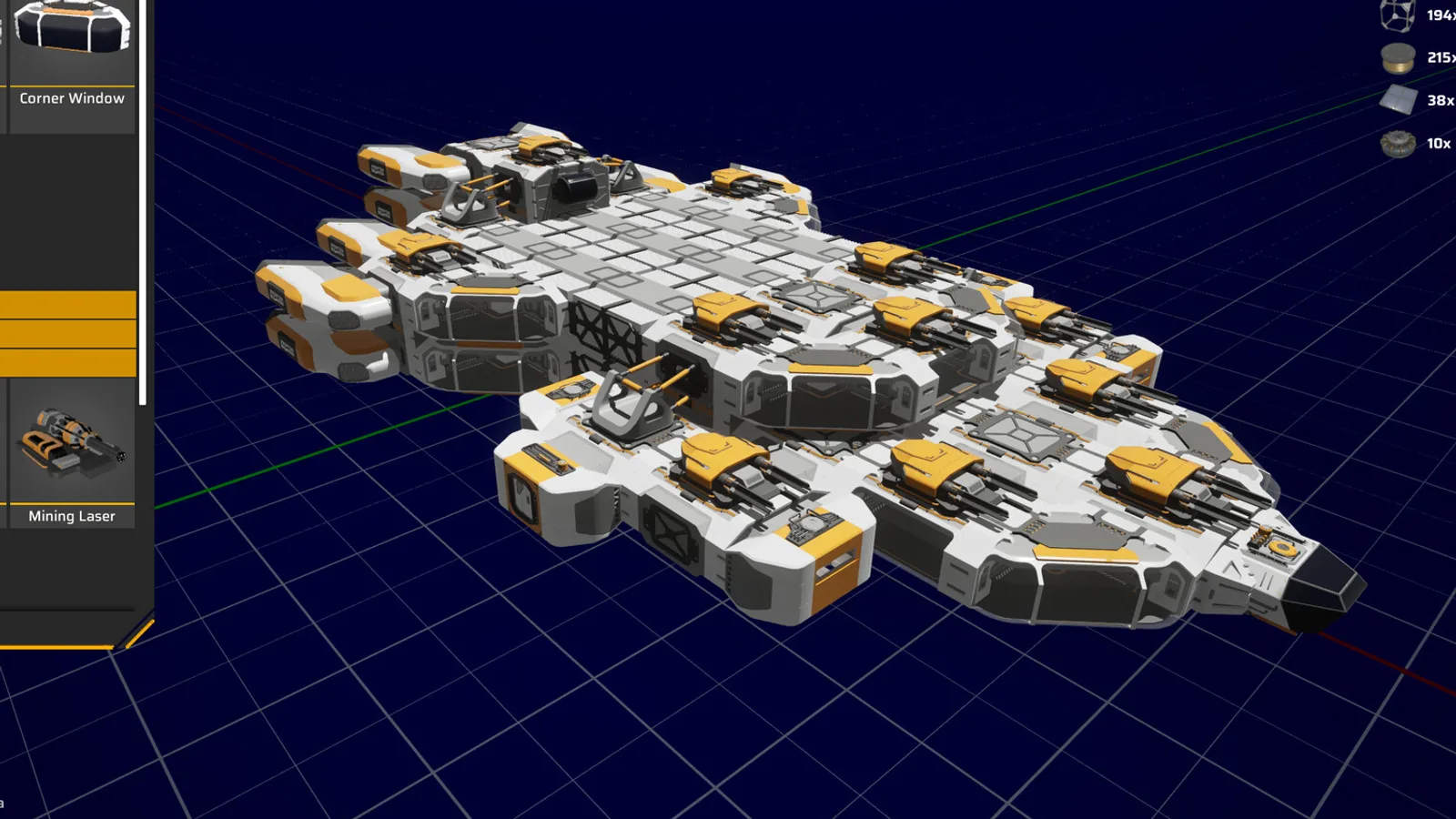
Save after the test flight, name by role-hull-version, and rebuild at current module prices.
What a blueprint captures
A blueprint records the design, not the contents. A ship blueprint stores the hull, modules, and their positions. It does not store the cargo, the fuel, or the current damage. A station blueprint stores the module graph and placement; it does not store what is inside the containers.
That distinction matters when you rebuild. A blueprint tells you what to build, not what it costs. The material cost is recalculated from the current patch's module prices, which is why a blueprint from an older version can be more expensive than you remember.
Blueprints are also not a backup of a live object. If a ship is destroyed, the blueprint lets you build a new one; it does not resurrect the old one.
When to save a blueprint
Save after a design passes its test flight, not before:
- The ship accelerates and turns acceptably.
- The reactor keeps up with weapons and thrusters.
- The hull fits the dock.
- The role is clear enough to name.
Saving too early is the most common mistake. A blueprint of an untested design becomes a trap: you rebuild it, discover the flaw, and then have to redesign the same hull twice.
Save these blueprints first:
- Your first working miner.
- Your first working hauler.
- Your first station production block.
- Your first combat hull that can kill a relic scout.
Those four cover the early game. Add specialised designs only when a role appears that the existing hulls cannot fill.
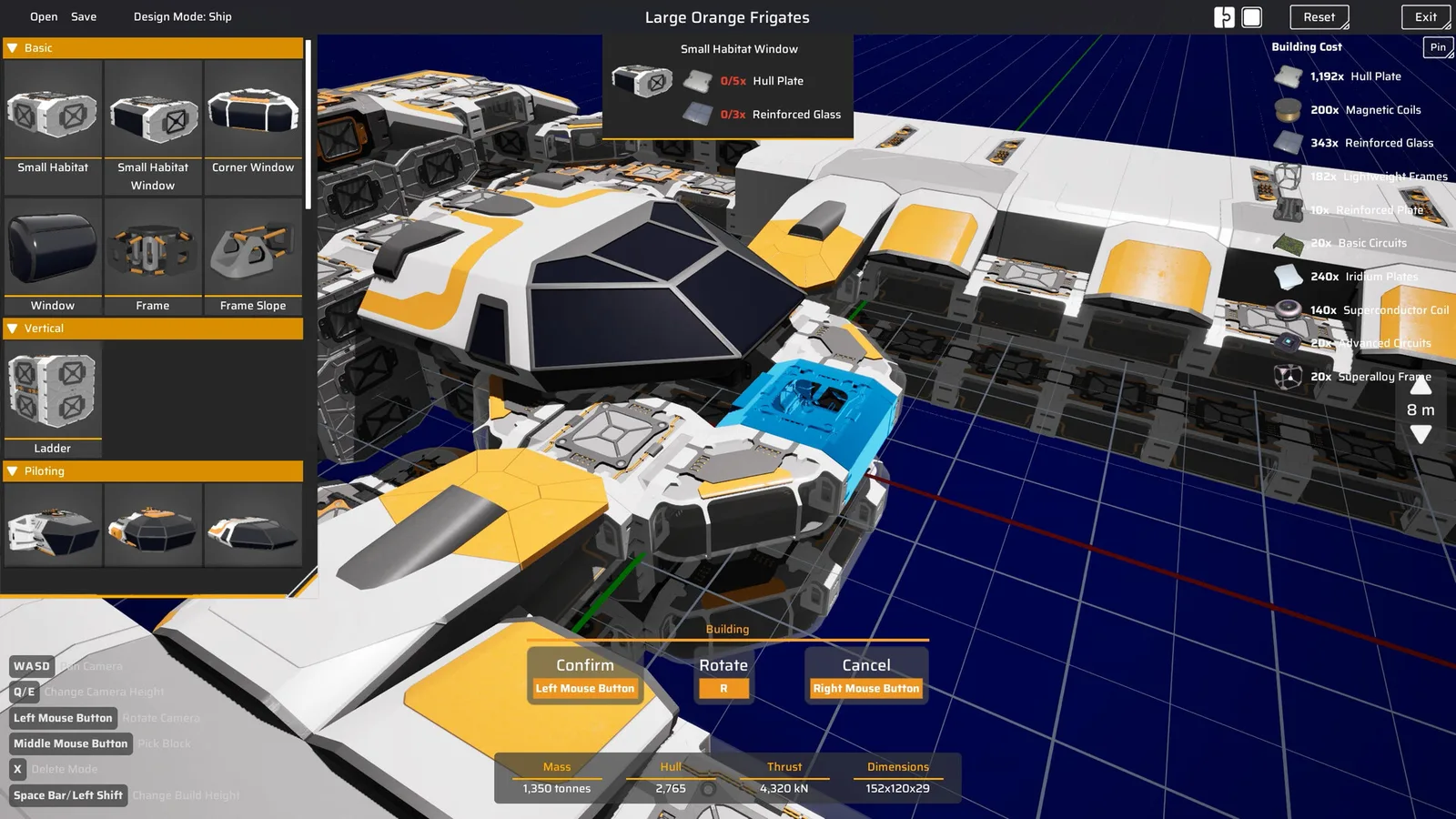
Naming and versioning
The demo's naming is free text. Use a convention that survives six months:
role-hull-version-notes
Examples:
miner-prospector-v1hauler-prospector-cargo-v2combat-gallant-lance-v1station-refinery-block-v1
Add the game version in the blueprint description if the UI allows it. If it does not, keep a text note next to your save. When a patch changes module costs, the version tells you which blueprint to recheck.
Avoid names like “best ship” or “final.” They become false, and then you cannot tell which design is current.
Sharing blueprints
The game supports sharing designs, but the safety rules are the same as sharing a save file:
- Only share with people you trust. A design file is data, and the game may import more than you expect.
- Do not share a blueprint that depends on a mod or a future module. The recipient will get a broken build.
- Label the version. A launch-build blueprint may not load in a demo-build game.
- Keep the original. Share a copy, not your only record.
If you publish a blueprint, include the module list and the role. A file with no context is hard to evaluate and easy to misuse.
Rebuilding from a blueprint
A rebuild is a material transaction. Before you place a blueprint:
- Check the current module costs. Prices can change between patches.
- Clear enough storage. A large station block can consume hundreds of plates.
- Place it on a connected module if it is a station design. A detached blueprint will not attach.
- Test the first copy before you build a second.
For ships, the Shipyard builds from the blueprint and consumes the materials at build time. For stations, the design is placed in build mode and the modules are constructed in order. If a module is locked by research, the blueprint will fail at that module; unlock it first.
Blueprints as a design language
Once you have a few working blueprints, you can start composing them:
- A miner blueprint plus a cargo module blueprint equals a hauler.
- A station refinery block plus a power block equals a new base.
- A combat hull plus a lance module equals a heavier escort.
This is the real value of the system. You are not rebuilding from scratch each time; you are combining proven parts. The factory game becomes a design game.
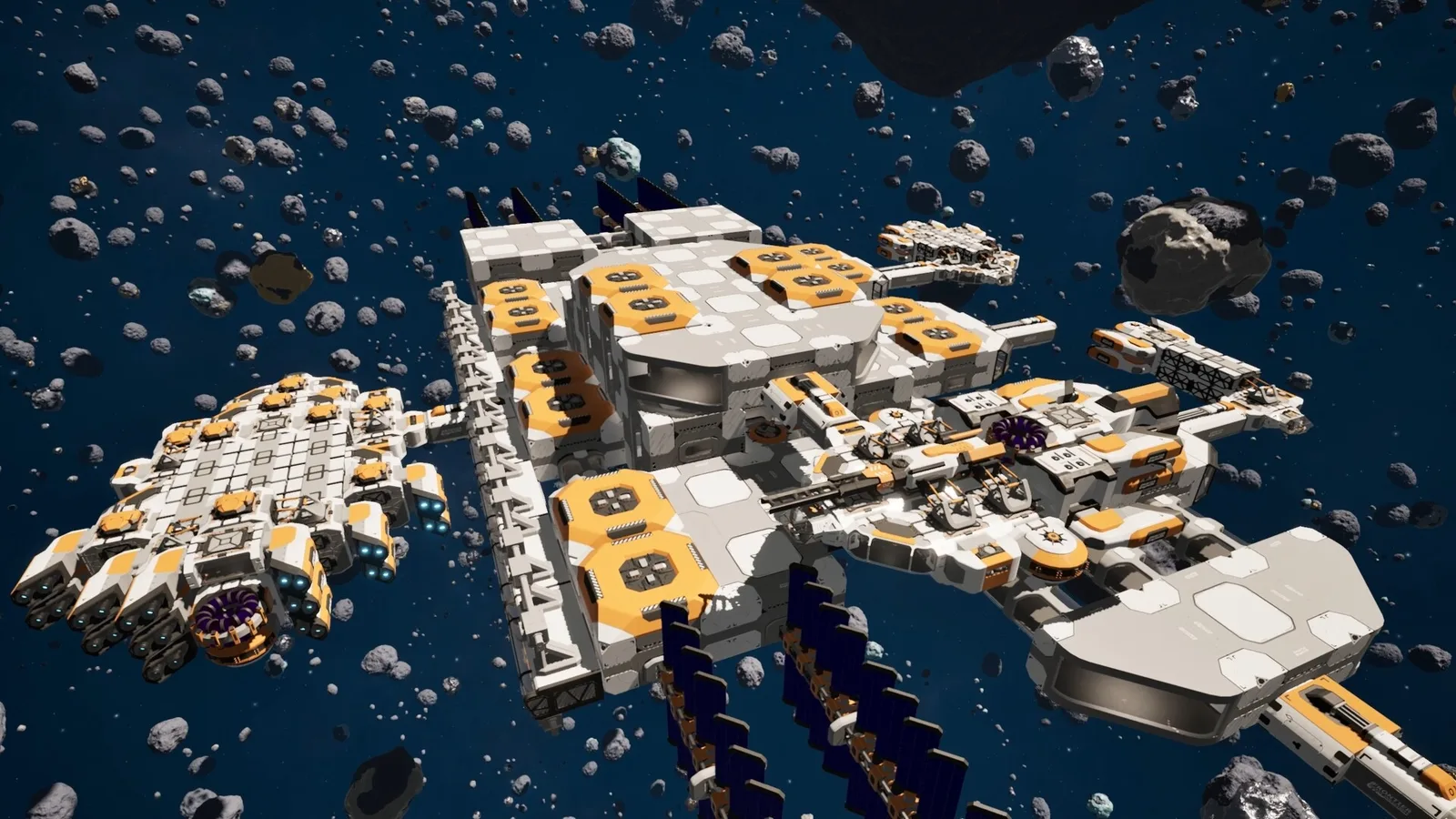
Keep a “parts” blueprint for each module cluster you use often: a reactor block, a refinery block, a dock block. Then a new station is three placements instead of thirty.
Common blueprint mistakes
- Saving before testing. The blueprint preserves the flaw.
- No version label. You cannot tell which design is current.
- Sharing a blueprint with locked modules. The recipient cannot build it.
- Assuming the cost is fixed. Patch changes make old blueprints misleading.
- Using a blueprint as a save backup. It is a design, not a snapshot of contents.
For the hull numbers behind a design, see the ship design guide→.
FAQ
Does a blueprint save cargo or fuel? No. It saves the design, not the contents.
Can I share blueprints with other players? The game supports sharing designs. Use copies and label the version.
Why does a blueprint cost more than before? Module prices changed in a patch. Rebuild cost is calculated at build time.
Can I use a blueprint in co-op? Yes, if the design's modules are unlocked for the host and the version matches.
Do station blueprints attach automatically? No. The placement must connect to an existing module.
Official source: Main Sequence on Steam ↗ and the Steam news hub ↗.
Sources
- Main Sequence on Steam ↗ — save and share design features.
- Steam news: Next Fest demo update ↗ — design and module changes.
- Main Sequence on SteamDB ↗ — build reference.
- Mythwright ↗ — publisher.